 SHF

 Mark One · For Mac
Your E-M5 (Mark I) is a webcam now.
Plug in the Olympus OM-D you already love and every call gets its lens, its sensor and its colour. One USB cable. Nothing to press.
Needs macOS 14 or later and an Olympus OM-D E-M5 (Mark I) with the Mark One firmware.
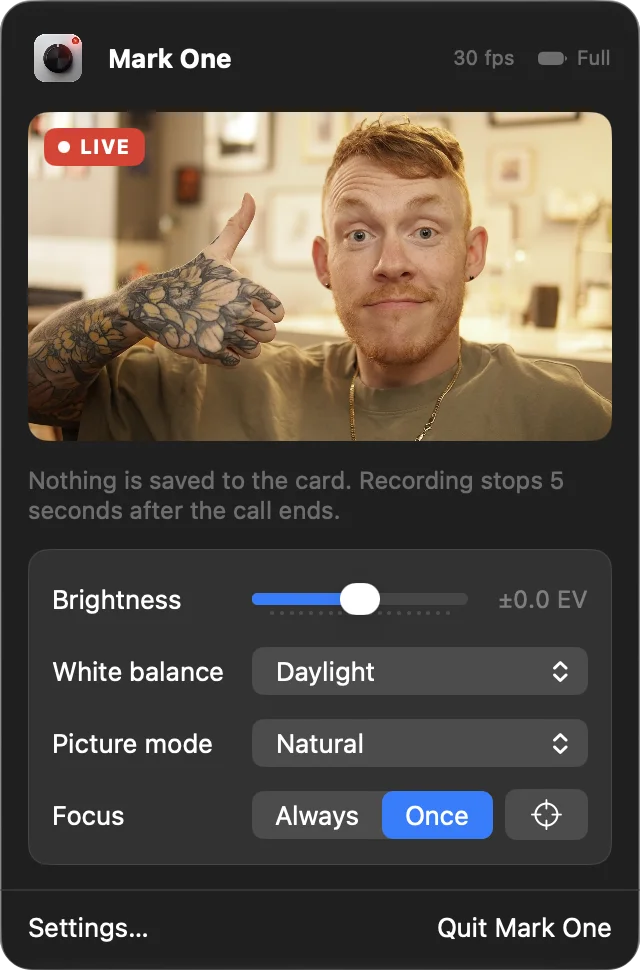
- Straight from the camera’s movie mode
- 1080p30
- From the sensor to your call
- 0.2 s
- USB. No HDMI, no capture card
- 1 cable
- Written to the SD card
- 0 files
How it works
Press nothing.
Mark One sits in the menu bar and does the camera’s button-pressing for you.
- 01
Plug it in
Connect the camera by USB, switch it on and choose Webcam on its screen. Mark One finds it and gets it ready.
- 02
Start a call
Choose Mark One as the camera. It presses REC the moment an app starts using it.
- 03
Hang up
Recording stops 5 seconds after the last app lets go. Switch the camera off whenever you like.
The camera, not a webcam
Ready for your close-up.
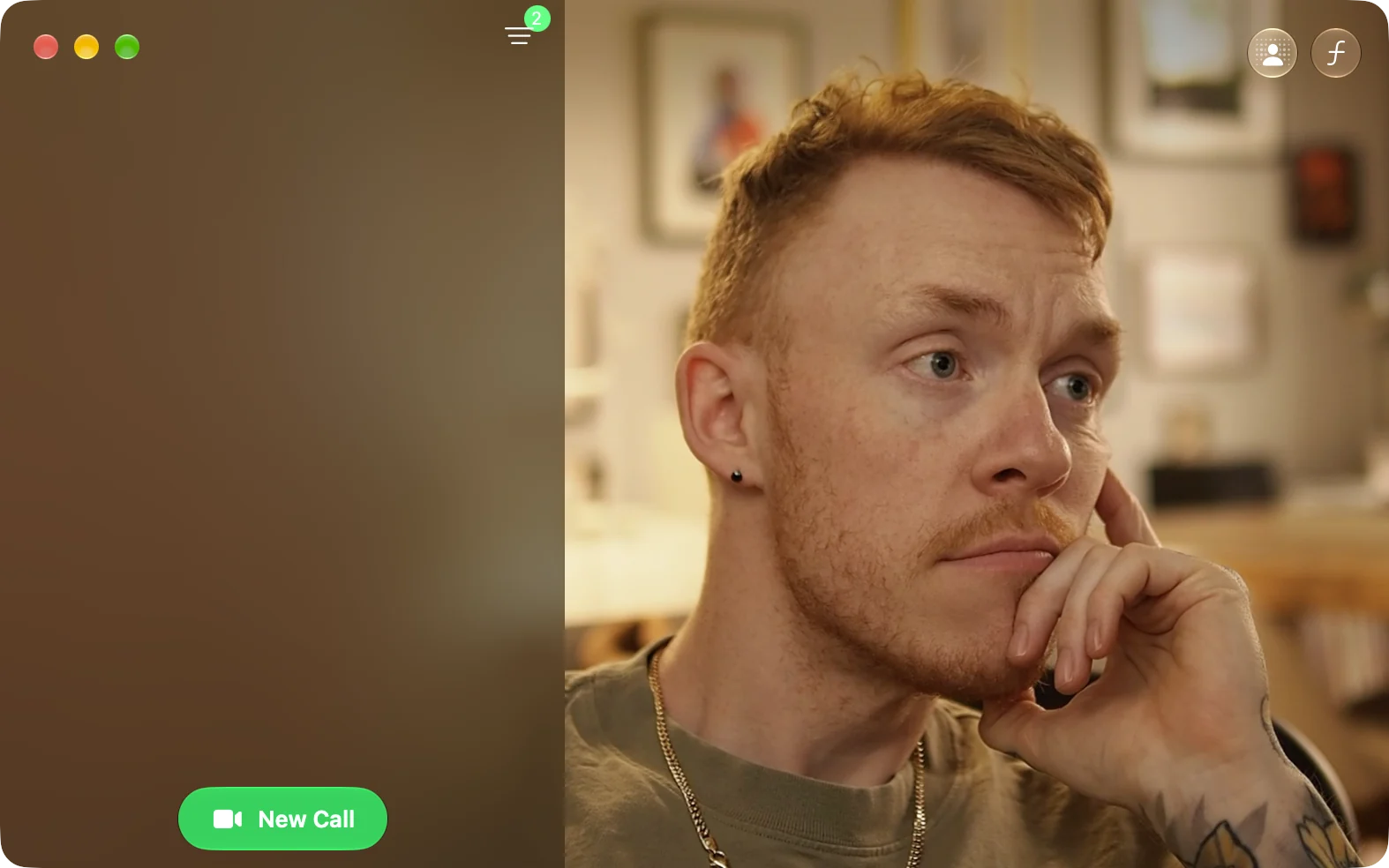
A Four Thirds sensor and whatever lens you put on the front. Real background blur, real low light, and the colour Olympus is known for. Your calls look like they were shot on a camera, because they were.
Works in
- FaceTime
- Zoom
- Google Meet
- Microsoft Teams
- OBS
- QuickTime
If an app can pick a camera, it can pick Mark One.
Firmware
A few small changes, and you can undo them.
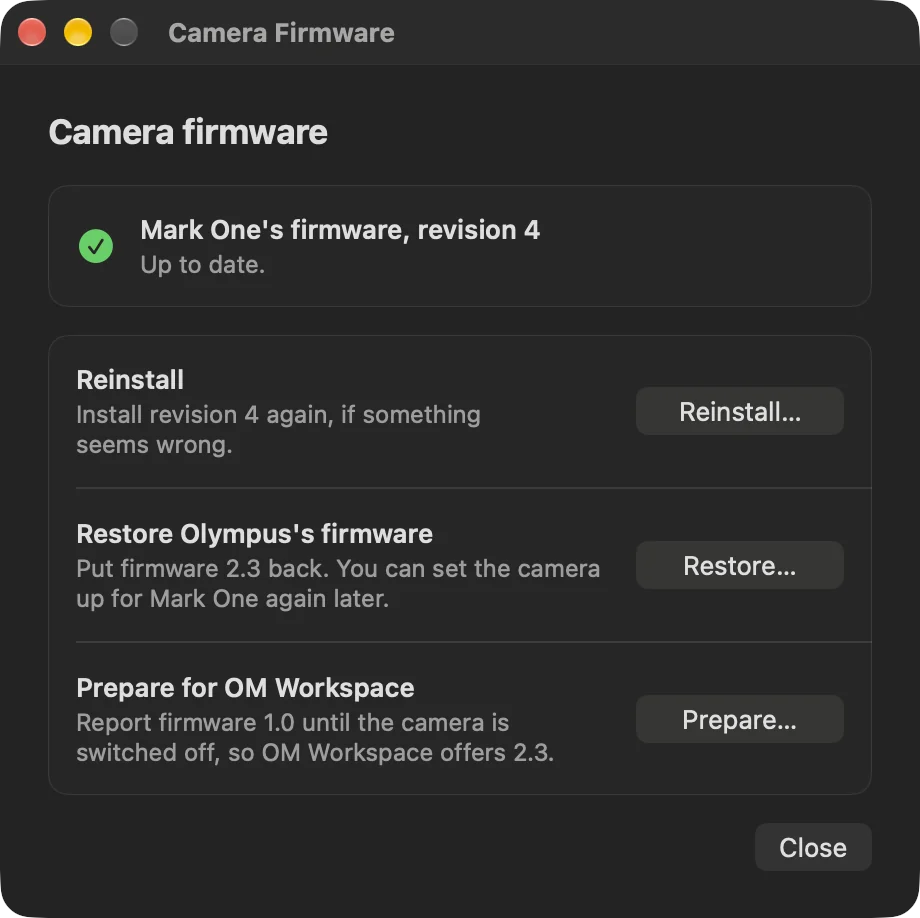
Out of the box, the E-M5 (Mark I) only sends files over USB. Mark One needs the camera’s firmware 2.3 with a few changes that let it send video. Mark One downloads Olympus’s firmware, adds its changes on your Mac and walks you through installing it from the SD card, once. After that, updates install over USB, and Olympus’s own firmware can go back on any time.
- Setup
- about 10 minutes, once
- You need
- an SD card, a charged battery
- Updates
- over USB, from Mark One
- Going back
- Olympus’s firmware, over USB
Changing firmware always carries some risk. Read the guide before you start.
Read the firmware guide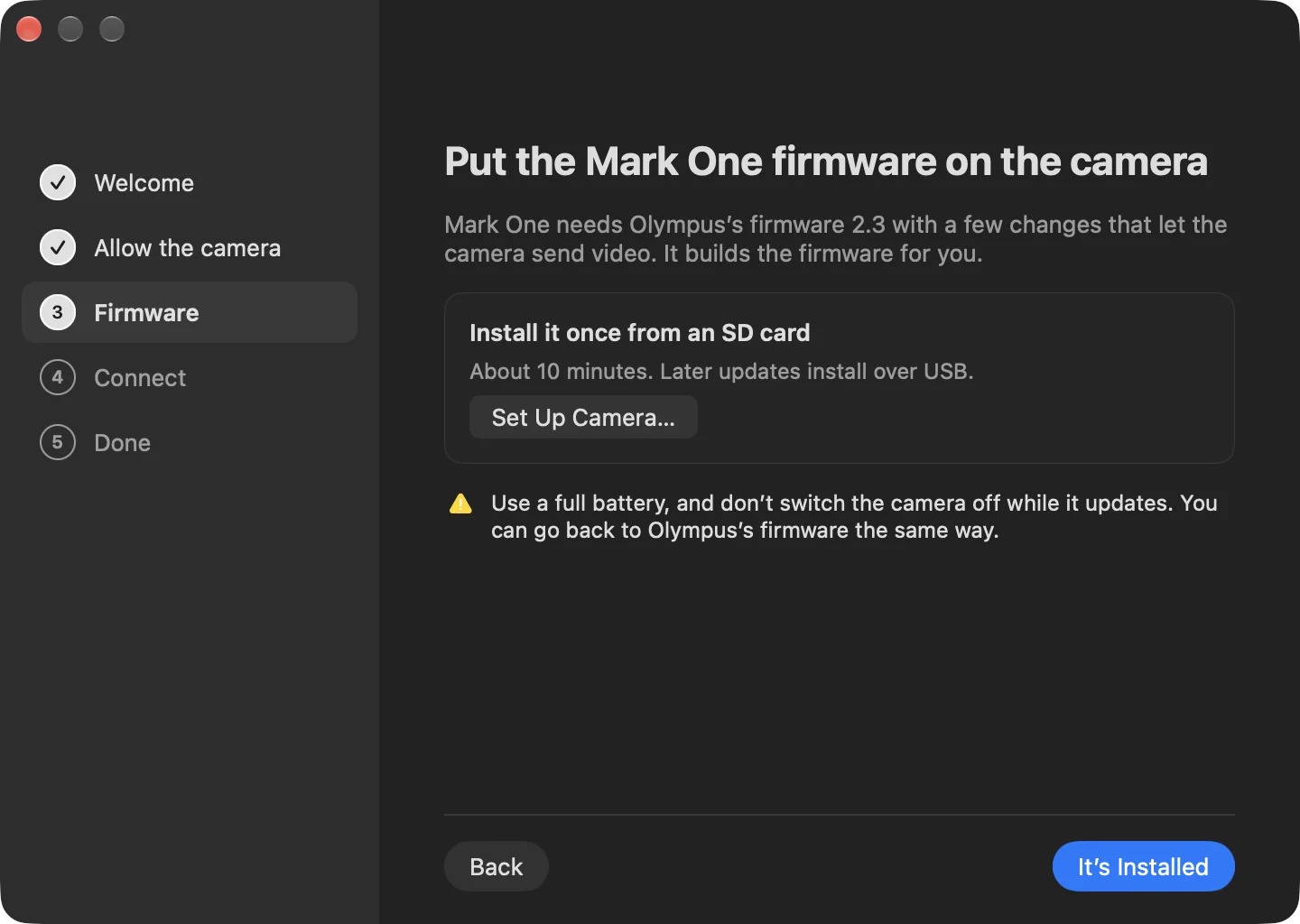
Fine print, in focus.
Does it work with the E-M5 Mark II or III?
Not yet. Mark One is built around the E-M5 (Mark I) and its firmware 2.3. Later models have their own firmware and need their own work.
How long will the battery last?
As long as a battery lasts with the camera recording. The E-M5 (Mark I) doesn’t charge or run from USB, so for long calls, use a dummy battery with a power adapter.
Does it fill up my SD card?
No. While Mark One is connected, the camera records into its memory only and nothing is written to the card.
Can I still use the camera normally?
Yes. Unplug it and it’s the same E-M5 (Mark I). Mark One’s firmware adds a Webcam choice to the camera’s USB menu and a few USB commands; photos, movies and menus work as before.
Can I go back to Olympus’s firmware?
Yes, any time. Mark One puts Olympus’s own firmware 2.3 back over USB, and Olympus’s OM Workspace can reinstall it too.
Is changing the camera’s firmware safe?
It carries some risk. If the camera loses power while it installs, it may not start again. Mark One explains each step, checks the firmware before anything is installed, and asks you to accept the risk first. Use a charged battery and leave the camera alone while it installs.
Is there a delay?
A little. Video reaches your Mac about 0.2 seconds after it happens.
Does it use the camera’s microphone?
No. Mark One is the camera only. For sound, choose your Mac’s microphone or a headset in your video app.